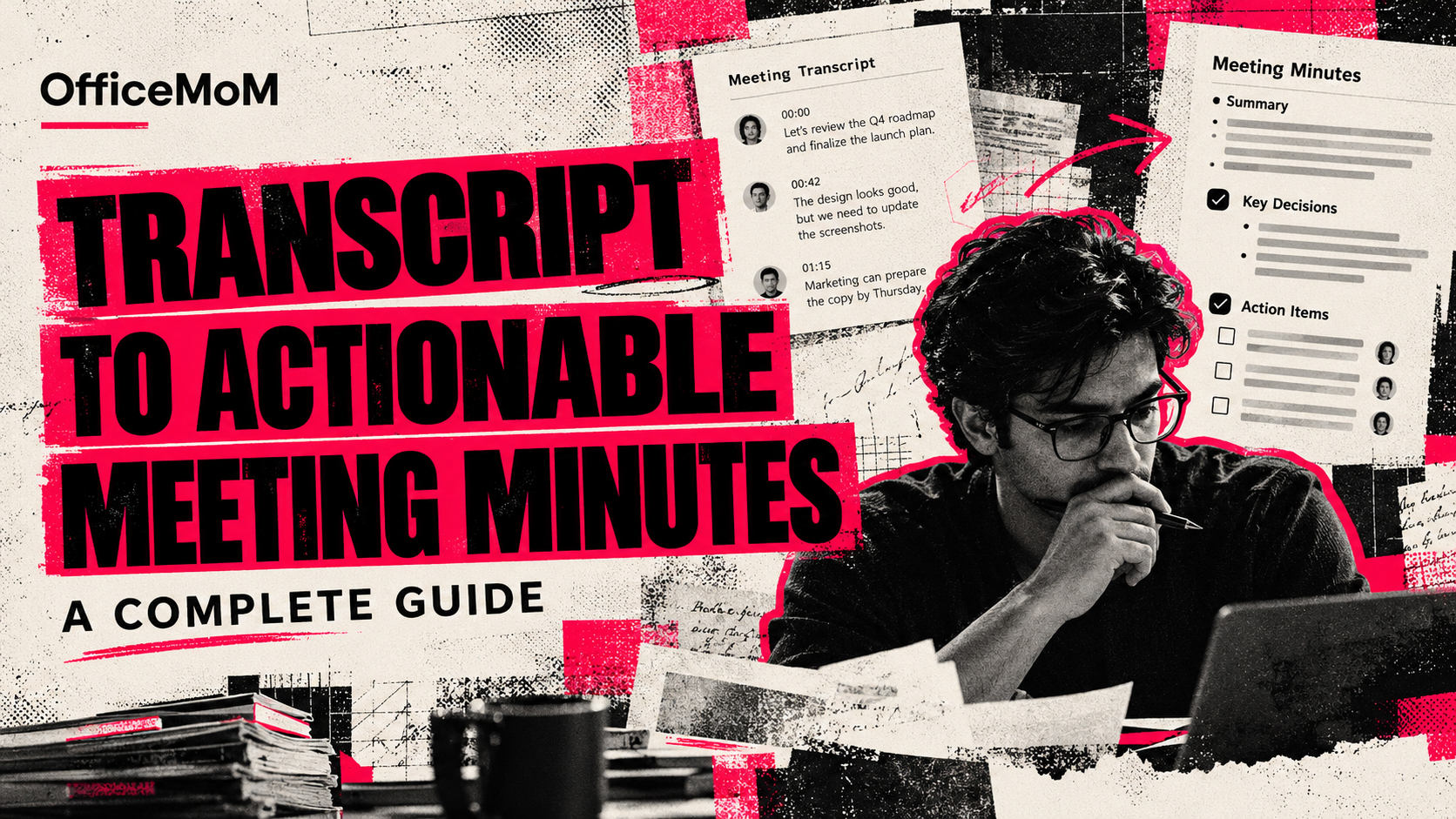
How to Turn Meeting Transcripts into Actionable Meeting Minutes: A Complete Guide
Learn how to turn meeting transcripts into clear meeting minutes with decisions, action items, owners, and deadlines. Includes a practical workflow and free template.
How to Turn Meeting Transcripts into Actionable Meeting Minutes: A Complete Guide
Meetings generate ideas, decisions, questions, and tasks. But once the meeting ends, someone still needs to turn that conversation into a clear record of what happened and what needs to happen next.
That is where meeting minutes come in.
To turn a meeting transcript into actionable meeting minutes, identify the key discussion points, record important decisions, extract action items, assign owners and deadlines, and organise everything into a structured document. AI meeting tools can speed up this process, but the final minutes should always be checked for accuracy, context, and completeness.
In this guide, you will learn how to convert a meeting transcript into professional minutes, distinguish notes from transcripts, identify decisions and responsibilities, use a reusable meeting minutes template, and build a more efficient post-meeting workflow.
What Are Meeting Minutes?
Meeting minutes are a structured written record of a meeting's key discussions, decisions, action items, and follow-up responsibilities.
Unlike a verbatim transcript, meeting minutes focus on the information people need after the meeting. They help participants understand what was agreed, who is responsible for the next steps, and when those steps should be completed.
Well-written meeting minutes typically include:
- Meeting title, date, and attendees
- Meeting purpose or agenda
- Key discussion points
- Decisions and agreements
- Action items and assigned owners
- Deadlines and follow-up dates
- Unresolved questions or items requiring further discussion
The level of detail depends on the meeting. A weekly project meeting may need a short list of decisions and tasks, while a formal board meeting may require a more comprehensive record that follows the organisation's procedures.
Meeting Transcript vs. Meeting Notes vs. Meeting Minutes
These three terms are often used interchangeably, but they serve different purposes.
| Format | What it contains | Main purpose |
|---|---|---|
| Meeting transcript | A written record of spoken conversation, sometimes with speaker labels and timestamps | Preserve what was said |
| Meeting notes | Informal highlights, reminders, and observations | Help an individual remember important information |
| Meeting minutes | An organised record of key discussions, decisions, responsibilities, and follow-ups | Create a shared reference for the team |
For example, a transcript might contain several minutes of discussion about a delayed product launch. Personal notes might simply say, “Launch delay — review timeline.”
The meeting minutes should communicate the outcome more clearly:
Decision: The launch date will be reviewed after the engineering team completes its assessment.
Action item: The engineering lead will provide an updated delivery estimate by Friday.
Owner: Engineering lead.
Status: Pending.
The goal is not to reproduce every sentence. It is to preserve the important meaning and make the next steps clear.
Why Convert Meeting Transcripts into Structured Minutes?
A transcript is useful for reviewing a conversation, but a long transcript can be difficult to scan when someone needs one specific decision or task.
Structured meeting minutes solve this problem in several ways.
1. Make decisions easier to find
Instead of searching through an entire conversation, team members can review a dedicated decisions section.
This is especially useful for project planning, client meetings, product discussions, and management reviews.
2. Turn discussions into action items
A conversation can contain several possible next steps without clearly identifying who will handle them.
Well-structured minutes separate agreed tasks from general discussion and identify the responsible person and deadline wherever these were established.
3. Improve accountability
When responsibilities are documented, team members can see what they agreed to do and when they need to follow up.
4. Keep everyone aligned
People who missed a meeting can review the documented outcomes, provided they have appropriate access to the record.
5. Reduce repetitive administrative work
Teams that regularly meet can spend considerable time preparing summaries and organising notes. A consistent template and an AI-assisted workflow can reduce this manual effort.
How to Turn a Meeting Transcript into Actionable Meeting Minutes
Follow these seven steps to convert an unstructured conversation into a practical, professional document.
Step 1: Review the transcript and meeting context
Start with the transcript, meeting agenda, and any relevant project context.
Confirm the meeting title, date, participants, and purpose. If the transcript contains speaker labels, check whether they are accurate. Incorrect speaker attribution can lead to the wrong person receiving responsibility for a task.
Do not begin by copying the entire transcript into a minutes document. First, identify the subjects discussed and the outcomes that matter.
Ask yourself:
- What was the purpose of the meeting?
- Which topics were discussed?
- What decisions were actually made?
- Which tasks were agreed upon?
- What remains unresolved?
These questions establish the structure for the rest of the document.
Step 2: Identify the main discussion points
Group the conversation into topics rather than following every sentence in chronological order.
For example, a product development meeting might cover:
- Product launch timeline
- Outstanding technical issues
- Marketing campaign preparation
- Customer feedback
- Responsibilities for the following week
Under each topic, include a concise summary of the relevant discussion.
Avoid unnecessary repetition, casual conversation, and unrelated remarks unless they materially affect the meeting's outcome.
The summary should be short enough to scan but detailed enough to preserve the original meaning.
Step 3: Separate decisions from discussions
One of the most important parts of writing meeting minutes is distinguishing a decision from an idea or suggestion.
Consider these statements:
- “We could release the feature next month.”
- “The team should consider a new pricing structure.”
- “The team agreed to release the feature on November 12.”
The first two statements express possibilities. The third records an explicit decision.
Do not turn a suggestion into an approved decision simply because it sounds reasonable.
A useful format is:
Decision: State the agreement that was actually reached.
Context: Include a brief explanation if it helps readers understand the decision.
Open question: Record any matter that still requires discussion or approval.
This distinction is particularly important for client commitments, budgets, project timelines, and management decisions.
Step 4: Extract clear action items
Action items describe specific work that needs to be completed after a meeting.
A useful action item answers three questions:
- What needs to be done?
- Who is responsible?
- When is it due?
Whenever possible, use a structure like this:
Action: Finalise the revised product landing page.
Owner: Marketing lead.
Deadline: Friday, November 6.
Status: Not started.
If the meeting did not establish an owner or deadline, do not invent one. Mark it as “Owner to be assigned” or “Deadline to be confirmed” and flag it for follow-up.
Also distinguish a firm commitment from a general suggestion. A task should not be presented as agreed unless the discussion supports that interpretation.
Step 5: Organise the minutes into a consistent format
Once the important information has been extracted, arrange it into a standard structure.
A practical meeting minutes document usually contains:
- Meeting details
- Agenda and topics discussed
- Key discussion summaries
- Decisions made
- Action items
- Open questions and follow-up requirements
For recurring meetings, using the same structure each time makes it easier for people to find information quickly.
Step 6: Verify accuracy and completeness
Before sharing the minutes, compare them against the transcript.
Check that:
- Decisions accurately reflect what participants agreed upon.
- Names and speaker attributions are correct.
- Action items have not been invented or misinterpreted.
- Deadlines and numerical details are accurate.
- Unresolved issues are still marked as unresolved.
- Important qualifications or disagreements have not disappeared.
- Sensitive information is included only when appropriate.
AI-generated summaries can omit context, confuse speakers, or interpret tentative language as a firm commitment. Human review remains important, especially for high-stakes or formal meetings.
Step 7: Share the minutes and track follow-ups
Meeting minutes are most useful when people can act on them.
Share the final document with the appropriate participants, subject to your organisation's access and confidentiality rules. Make the action items easy to locate and establish how the team will report progress.
For recurring meetings, review outstanding tasks at the next session. This creates a practical link between one meeting's decisions and the next meeting's agenda.
Example: Turning a Meeting Transcript into Actionable Minutes
Consider a fictional product marketing meeting.
Original transcript excerpt
“Okay, we need to get the landing page ready before the campaign goes live. Marketing can probably finish the copy by Thursday. The design team still needs to update the screenshots. Let's review the final page on Friday. We haven't confirmed the launch date yet, though, so let's wait for the engineering update before announcing anything.”
This conversation contains several useful details, but they are mixed together.
Structured meeting minutes
Meeting: Product Marketing Weekly Review
Purpose: Prepare campaign materials and review launch readiness.
Discussion summary:
- The landing page needs to be prepared before the campaign launches.
- Marketing copy and product screenshots remain outstanding.
- The launch date has not yet been confirmed.
Decisions:
- The team will review the final landing page on Friday.
- The public launch announcement will wait until the engineering update is available.
Action items:
| Action item | Owner | Deadline |
|---|---|---|
| Complete the landing page copy | Marketing team | Thursday |
| Update the product screenshots | Design team | Not specified |
| Review the final landing page | Relevant team members | Friday |
| Provide an engineering update | Engineering team | Not specified |
Open question: What is the confirmed product launch date?
Notice that the minutes do not invent a deadline for the design or engineering teams. They also preserve the distinction between reviewing the landing page and announcing the launch.
That is what makes meeting minutes actionable: readers can see the outcomes, responsibilities, and outstanding questions without having to reconstruct the entire conversation.
Reusable Meeting Minutes Template
You can use the following template for project meetings, client calls, team check-ins, and planning sessions.
Meeting details
Meeting title: [Enter meeting name]
Date and time: [Enter date and time]
Attendees: [List participants]
Meeting purpose: [Describe the objective]
Agenda and discussion summary
Topic 1: [Summarise the main points]
Topic 2: [Summarise the main points]
Topic 3: [Summarise the main points]
Decisions made
- [Record the decision and relevant context]
- [Record any additional confirmed agreement]
Action items
| Task | Owner | Deadline | Status |
|---|---|---|---|
| [Describe the task] | [Name or role] | [Date or TBD] | [Status] |
| [Describe the task] | [Name or role] | [Date or TBD] | [Status] |
| [Describe the task] | [Name or role] | [Date or TBD] | [Status] |
Open questions and follow-ups
- [Question requiring clarification]
- [Item requiring approval]
- [Topic to revisit at the next meeting]
Next meeting
Date: [Enter date or TBD]
Preparation required: [List anything participants need to bring or complete]
The template can be adapted to the needs of each team. Formal governance meetings may require additional fields, approval processes, or records.
How AI Can Help Generate Meeting Minutes from a Transcript
AI meeting tools can help transform long conversations into organised summaries, decisions, and action items.
A typical AI-assisted workflow looks like this:
- Capture the conversation: Obtain a transcript from a meeting recording, supported meeting integration, or an uploaded transcript.
- Generate a summary: Use AI to identify the main topics and important discussion points.
- Extract decisions: Separate confirmed agreements from proposals and unresolved questions.
- Identify action items: Organise tasks and include owners or deadlines only when supported by the conversation.
- Review the output: Verify speaker attribution, dates, names, decisions, and responsibilities.
- Share the minutes: Distribute the reviewed document through the team's normal workflow.
AI is particularly helpful when a meeting contains several topics or when a team needs a consistent format across multiple meetings.
However, AI should assist with documentation rather than replace judgement. It may miss sarcasm, misunderstand industry-specific terminology, or infer a commitment that nobody actually made. The quality of the final minutes depends on both the source transcript and the review process.
What should you look for in an AI meeting minutes tool?
When evaluating an AI meeting assistant, consider whether it supports:
- Meeting transcription
- Concise meeting summaries
- Structured Minutes of Meeting
- Action-item extraction
- Clear identification of decisions and follow-ups
- A searchable history of previous meetings
- Convenient access to generated notes
- Appropriate privacy, security, and data-handling controls
Choose a tool based on the meetings you conduct, the workflow you need, and the way your organisation handles confidential information.
Create Meeting Minutes Faster with OfficeMoM
Writing meeting minutes manually can become repetitive when you attend multiple meetings every day. OfficeMoM is designed to help turn meeting conversations into organised, useful documentation.
With OfficeMoM, you can use AI-powered meeting transcription, generate meeting summaries, prepare meeting minutes, and identify action items from supported meeting workflows.
Instead of starting every document from a blank page, you can use AI-generated content as a starting point, review the important details, and refine the minutes before sharing them.
OfficeMoM can be useful for professionals and teams that need to keep track of discussions, decisions, and next steps across recurring meetings.
The goal is simple: spend less time organising meeting notes and more time acting on what your team discussed.
Ready to improve your meeting documentation?
Explore OfficeMoM and discover a more organised way to manage meeting notes, summaries, and action items.
Frequently Asked Questions
1. How do you turn a meeting transcript into meeting minutes?
Review the transcript, group the discussion into topics, identify confirmed decisions, extract action items, assign owners and deadlines where established, and organise the results into a structured document. Verify the final minutes against the original transcript before sharing them.
2. Can AI automatically generate meeting minutes from a transcript?
Yes. AI meeting tools can analyse a transcript and generate structured summaries, meeting minutes, and potential action items. The output should be reviewed to confirm that decisions, names, deadlines, and responsibilities accurately reflect the conversation.
3. What is the difference between meeting minutes and a meeting summary?
A meeting summary provides a concise overview of the main discussion points. Meeting minutes generally provide a more structured record of the meeting, including relevant decisions, action items, responsibilities, and follow-up requirements. The exact level of formality depends on the meeting.
4. What should be included in meeting minutes?
Meeting minutes typically include the meeting title, date, attendees, agenda, key discussion points, decisions, action items, owners, deadlines, and unresolved questions. Formal meetings may require additional information according to organisational policies.
5. How detailed should meeting minutes be?
Meeting minutes should contain enough detail to explain the important discussions, decisions, and responsibilities without reproducing the entire conversation. The appropriate level of detail depends on the purpose of the meeting and any applicable documentation requirements.
6. How do you identify action items in a meeting transcript?
Look for explicit commitments, assigned tasks, agreed deliverables, and follow-up requests. Record each task with its owner and deadline when these are known. If responsibility or timing is unclear, flag it for clarification instead of making assumptions.
7. Can meeting minutes be generated without a full transcript?
Yes. Minutes can be prepared from sufficiently detailed notes, an agenda with recorded outcomes, or another reliable meeting record. However, missing information may make it harder to verify exact decisions and responsibilities.
8. Are AI-generated meeting minutes accurate?
AI-generated minutes can provide a useful first draft, but accuracy depends on audio quality, transcript quality, speaker identification, context, and the AI system. Always review important details before relying on or distributing the minutes.
9. What is the best format for meeting minutes?
A useful format includes meeting details, discussion summaries, decisions, action items, owners, deadlines, and open questions. A consistent template makes minutes easier to read and helps teams follow up on outstanding work.
10. How can teams make meeting minutes more actionable?
Use clear task descriptions, name responsible owners, include realistic deadlines when agreed, separate decisions from suggestions, and review outstanding items regularly. Make sure every recorded commitment reflects what was actually agreed during the meeting.
Final Thoughts
A meeting transcript records the conversation, but actionable meeting minutes help people understand what the conversation achieved.
By separating discussions from decisions, documenting responsibilities, preserving unresolved questions, and checking the final output for accuracy, teams can turn meeting records into a practical tool for getting work done.
A consistent template makes the process easier, while AI meeting assistants can help reduce the manual effort involved in transcription, summarisation, and action-item extraction.
Make every meeting easier to follow up on with OfficeMoM.
Visit OfficeMoM to explore AI-powered meeting transcription, summaries, meeting minutes, and action items.
SEO Meta Description
Learn how to turn meeting transcripts into clear meeting minutes with decisions, action items, owners, and deadlines. Includes a practical workflow.